Someone could be using a SIM registered on your CNIC without you ever knowing it. Under PTA rules, the registered owner stays responsible for every SIM on their CNIC, so a quick cnic sim check is one of the simplest ways to protect yourself from identity misuse. The good news: PTA’s official SIM Information System at cnic.sims.pk lets you do it free in about a minute.
This guide walks you through the portal field by field, explains what your result actually means, and fixes the most common problems, including the page that refuses to load. No login, no app, no fee.
Quick answer: check SIMs on your CNIC in 60 seconds
- Open cnic.sims.pk in your browser (type it yourself; check the address bar).
- Enter your 13-digit CNIC without dashes.
- Tick the reCAPTCHA box and click Submit.
- See your operator-wise SIM count instantly.
- Free, no login needed, works from abroad.
Check SIMs on Your CNIC in 60 Seconds
The cnic.sims.pk portal is PTA’s official SIM Information System, the same registry backend that powers the 668 SMS service. It works on any phone, tablet, or computer with internet, and you never need to create an account.
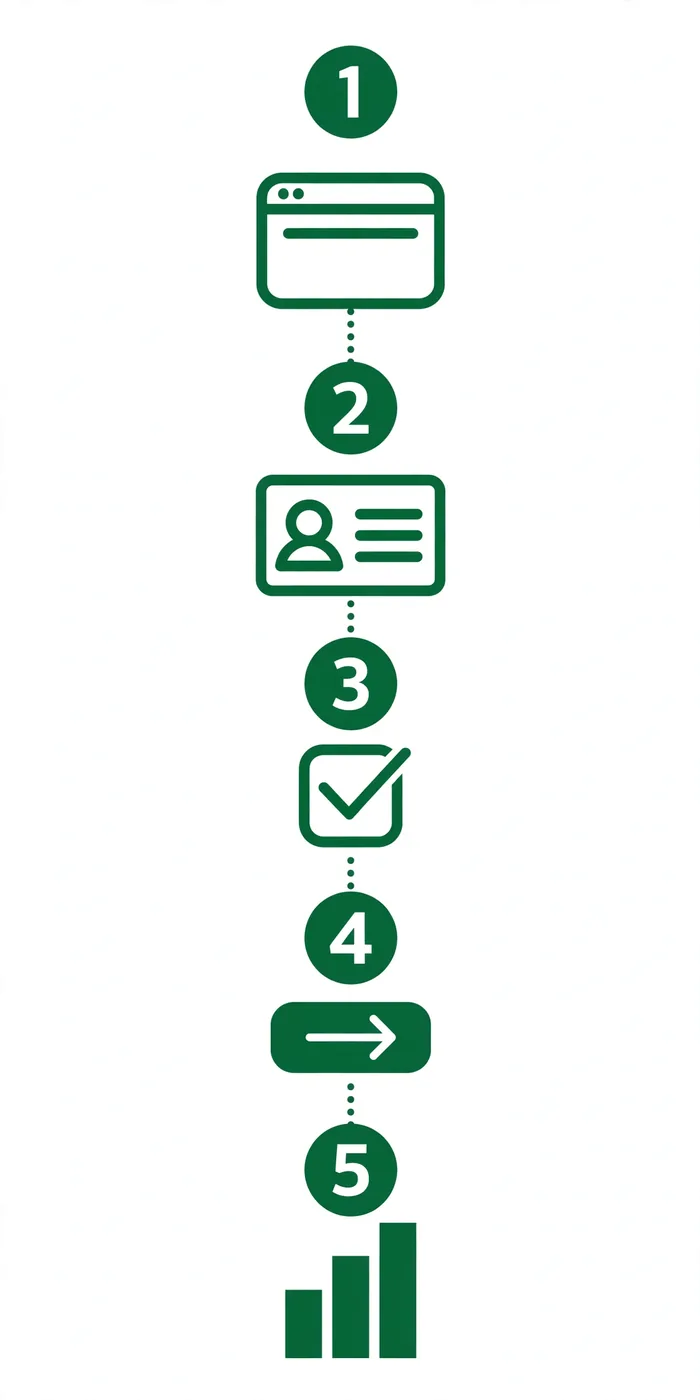
- Open cnic.sims.pk. Type the address yourself instead of tapping links from messages or search ads, and glance at the address bar before entering anything.
- Stay on the CNIC tab. The portal opens on the CNIC tab. Only switch to the Foreign ID tab if you hold a NICOP or POC.
- Enter your 13-digit CNIC without dashes. Type all 13 digits as one continuous number (the portal itself shows the format 6110123456789). Dashes trigger an invalid CNIC error.
- Tick the reCAPTCHA box. This proves you are human and stops bots from harvesting CNICs. If the checkbox does not load, refresh the page once.
- Click Submit and read your result. The portal shows how many SIMs are registered against your CNIC with each mobile operator.
What Your Result Shows (and What It Doesn’t)
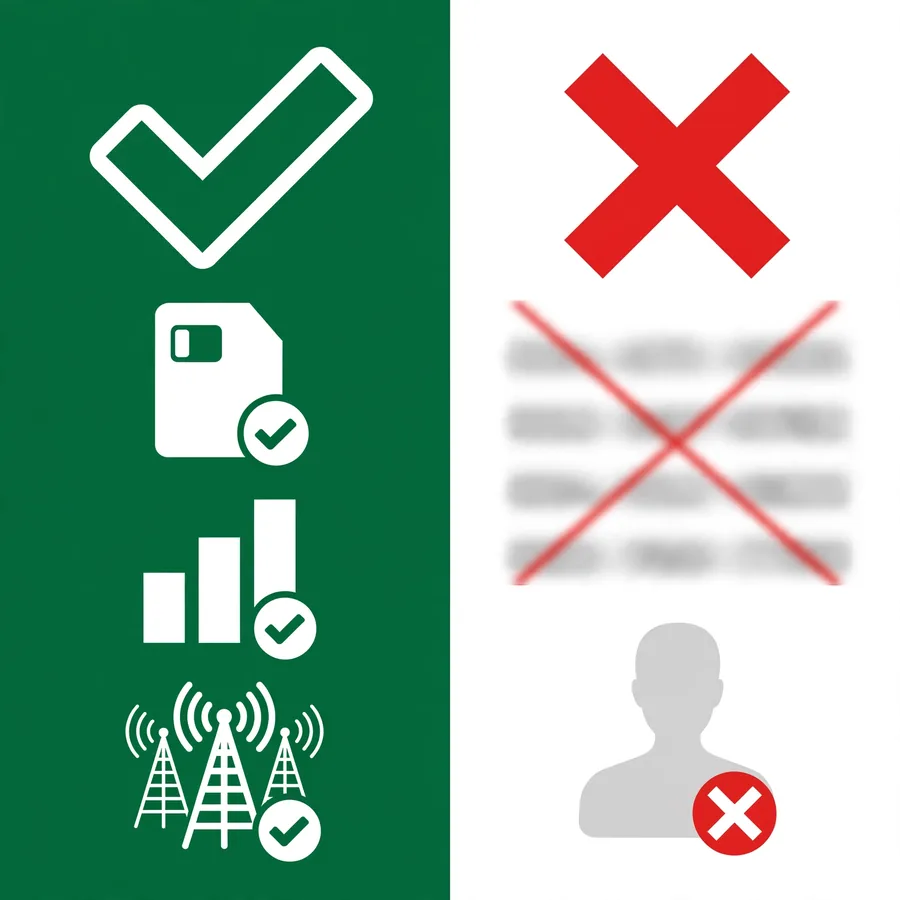
Your result is a simple count table: the total number of SIMs registered against your CNIC, broken down with each mobile operator (Jazz, Zong, Telenor, Ufone, SCOM, and ONIC). Add the numbers up and compare the total with the SIMs you actually use.
| What you see | What you do NOT see |
|---|---|
| Total SIMs per operator | Your actual phone numbers |
| Combined total across networks | Owner names or addresses |
| Counts for voice and data SIMs | Registration dates |
| Foreign ID results (NICOP/POC) | Location or call data |
The portal deliberately hides phone numbers and personal details, because showing them to anyone holding a CNIC number would be a privacy disaster. If the count is higher than the SIMs you recognize, treat the extra as an unauthorized SIM and act on it quickly (see the safety section below).
Foreign ID Tab: Checking with NICOP or POC
Overseas Pakistanis and foreign nationals use the same portal. Click the Foreign ID tab and enter your NICOP or POC number (the portal shows the expected format, for example BD989816346), then complete the same reCAPTCHA and Submit steps.
The result works exactly like the CNIC version: an operator-wise count of SIMs on your document. The portal is reachable from abroad with no VPN needed, which matters because PTA itself notes that most of its web queries come from Pakistanis overseas.
cnic.sims.pk Not Working? Fix It in 2 Minutes
First, learn the most important distinction: a page that will not load is NOT the same as a completed check showing zero SIMs. A zero SIMs result means the query worked and PTA simply has no SIMs on your CNIC. A blank or stuck page means the query never completed.
Quick fixes that solve most cases: reload the page and retry in a few minutes (PTA’s servers get busy at peak hours), clear your browser cache or try a different browser, switch off any VPN or ad-blocker extension that can break the reCAPTCHA, and check your internet connection. If the portal still refuses, the 668 SMS route below needs no internet at all.
Save or Print Your SIM Record
Once your result loads, press Ctrl+P on a computer (or use your browser’s share and print option on mobile) and save the page as a PDF. Keep the dated copy with your important documents.
Re-run this monthly check every few months. A dated record makes it far easier to prove when an unauthorized SIM appeared on your CNIC if you ever need to file a complaint with PTA.
No Internet? Use the 668 SMS Instead
Text your 13-digit CNIC (no dashes) to 668 from any mobile phone. PTA says charges may apply (about Rs 2 + tax). You get back the total number of SIMs per operator, not the phone numbers. Our full step-by-step 668 SMS guide is coming soon.
Is cnic.sims.pk Safe? Spotting Fake SIM-Check Sites
cnic.sims.pk is PTA’s official portal and it is safe to use: the check runs against PTA’s own registry, needs no login, and asks for nothing except your CNIC and the CAPTCHA. But its popularity has spawned lookalike domains built to harvest CNICs, so always check the address bar and type the URL yourself instead of following links.
Two more safety rules. First, there is no official PTA SIM-check app: any app-store listing claiming otherwise is fake. Second, only check your own CNIC: pulling another person’s record without consent can breach PECA 2016 Section 16, which carries up to 3 years in prison and a Rs 5 million fine.
FAQs
Is cnic.sims.pk free to use?
Yes. PTA’s SIM Information System portal charges no fee. (Note the difference: PTA says charges may apply for the 668 SMS, about Rs 2 + tax, but the web portal itself is free.)
Is cnic.sims.pk official and safe?
Yes. It is PTA’s official portal, launched as the SIM Information System 668 service. The check runs against PTA’s own registry, needs no login, and asks for nothing except your CNIC and a CAPTCHA.
What does the result show: phone numbers or just a count?
Just a count. You see the total number of SIMs registered against your CNIC broken down with each mobile operator. Actual phone numbers, names, and addresses are never displayed.
cnic.sims.pk is not opening. What should I do?
Reload and retry after a few minutes, clear your browser cache or try a different browser, and switch off VPN or ad-blocker extensions that can break the reCAPTCHA. If it still fails, use the 668 SMS method, which needs no internet.
My result shows zero SIMs. Did the page fail?
No. A zero SIMs result is a completed, successful check: it means PTA has no SIM registered on your CNIC. That is different from a blank or stuck page, which means the query never completed.
Can I use cnic.sims.pk from outside Pakistan?
Yes. The portal works from abroad with no VPN. PTA even runs a dedicated facility for overseas Pakistanis, noting that most of its web queries come from Pakistanis outside the country.
Can I check with a NICOP or POC instead of a CNIC?
Yes. Use the portal’s Foreign ID tab and enter your NICOP or POC number in the shown format (for example BD989816346), then complete the CAPTCHA and Submit as usual.
Does PTA store my CNIC when I use the portal?
The portal runs a live query against PTA’s SIM registry to answer you; you create no account and nothing is saved in your browser. PTA already holds the registration record by law. What matters for you: never enter your CNIC on lookalike or unofficial sites.
Why is there a CAPTCHA on cnic.sims.pk?
The reCAPTCHA proves you are human and stops automated bots from hammering the portal or harvesting CNIC-linked data at scale. If the checkbox will not load, refresh the page once.
Can I check SIMs on someone else’s CNIC?
No. The portal returns data only for the CNIC you enter, and you should only ever enter your own CNIC. Accessing another person’s record without consent can breach PECA 2016 Section 16 (up to 3 years in prison and Rs 5 million fine).
Conclusion
A cnic sim check takes about a minute, costs nothing, and is the fastest way to catch an unauthorized SIM before it becomes your legal problem. Bookmark cnic.sims.pk, save a dated copy of your result, and repeat the check every few months.
Want the full picture? Read our complete SIM owner details guide covering all four official PTA methods, or browse the Check Methods archive. Found a SIM you do not recognize? Our SIM Disown guide will walk you through removing it from your CNIC.