Check Number Network 76367: The Complete Guide [2026]
It is the only check you can legally run on a number you do not hold. The official PTA SIM Information System portal, cnic.sims.pk, states it in plain words: you can check number network 76367 by sending “N 03xx3456789” to 76367 for Rs 2 + tax. The reply names the number’s current network. It never names its owner. This is the complete guide: the exact format, what the reply looks like, the full prefix table, why porting broke prefix guessing, and what to do when the reply never comes.
Quick answer: check number network 76367
- Format: type N, a space, then the 11-digit number (N 03001234567) → send to 76367.
- Reply: the number’s current network, even if it was ported via MNP.
- Charge: Rs 2 + tax per check (portal-stated).
- Never: owner name, CNIC, address, location, or call history.
What 76367 Does (and Doesn’t)
76367 is a network-identification service, not an owner lookup. It answers one question: “which operator serves this number right now?” Three layers exist in the PTA system: the number, the network serving it, and the subscriber record (the person). 76367 reads the second layer only. The subscriber record stays private, always.
The Exact Format: How to Use 76367
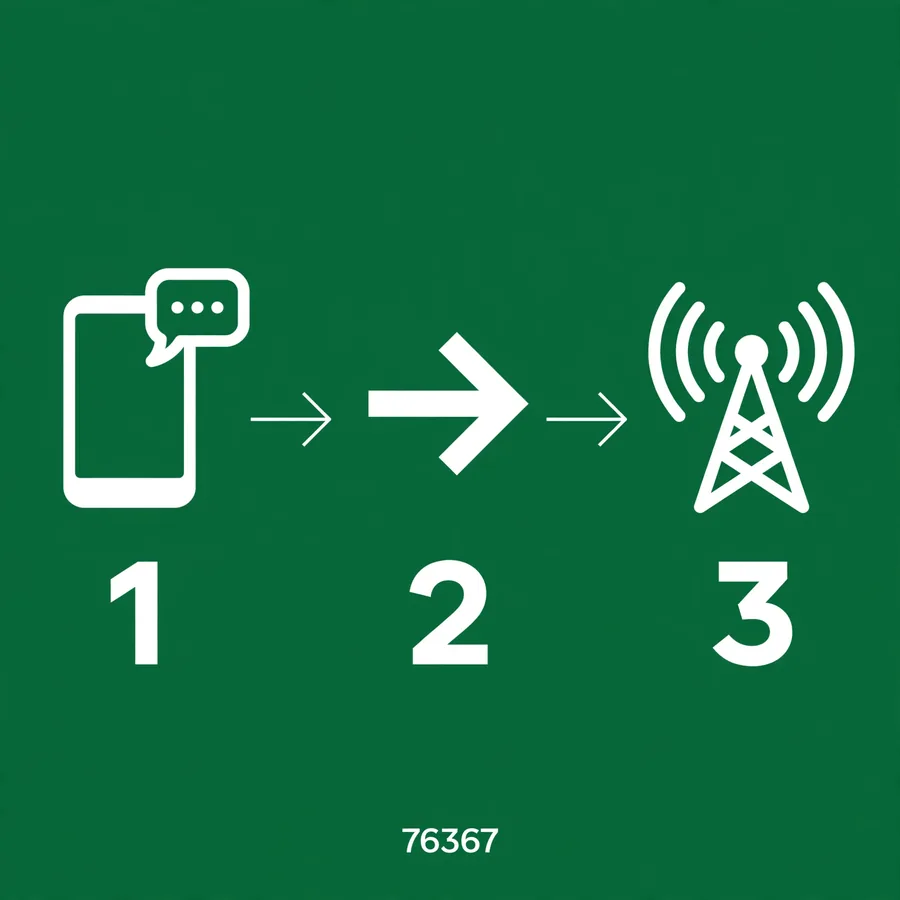
- Open a new SMS on any mobile phone.
- Type the letter N, then one space, then the full 11-digit number starting with 03 (for example N 03001234567).
- Send it to 76367.
- Wait for the reply: it names the number’s current operator within seconds.
What the Reply Looks Like
No official sample reply is published anywhere, but based on reported usage it typically looks like this: a short message naming the operator, for example “Jazz” or “Telenor”. What it does not contain: any name, CNIC, address, or number list. If you expected more, see our by-number guide for why identity never comes through any public code.
The Prefix Table (Original Networks Only)
The first four digits (the prefix) show which network was originally allocated that range. This is the table everyone quotes, but the MNP caveat below is the part that matters:
| Prefix | Original network |
|---|---|
| 0300-0309, 0320-0329 | Jazz |
| 0310-0319, 0360-0365 | Zong |
| 0340-0349 | Telenor |
| 0330-0339 | Ufone |
| 0355-0357 | SCOM |
| 0339, 0371-0379 | ONIC (shared with Ufone) |

Why Porting Broke Prefix Guessing
Mobile Number Portability lets a number move between networks while keeping its digits. A number starting with 0300 was born on Jazz, but after a port it may now live on Zong or Telenor. The prefix no longer proves the operator. That is exactly why 76367 exists: it asks the live routing system instead of guessing from digits. Always confirm ported numbers with 76367 before using any operator-specific USSD code or biometric-verification service.
5 Times You’ll Need This
- Before dialing an operator’s code. Every USSD and self-service code is network-specific. Wrong guess, wasted SMS: check first.
- Buying a second-hand number or phone. Confirm the real current network before trusting the seller’s claim.
- Cleaning up a contact/marketing list. Route messages to the right networks lawfully (network routing, never personal data).
- Troubleshooting call quality. The checklist is simple: identify network → identify problem → contact that operator.
- After a porting rumor. Heard someone switched networks? One SMS settles it.
When It Goes Wrong: Fixes
- Wrong format. The most common error. Recheck the official syntax: N, one space, 11 digits starting with 03, no dashes.
- No reply at all. Check balance (Rs 2 + tax needs coverage), wait a few minutes, retry once. Never infer a network from silence.
- Dual-SIM phone. The reply may concern the other SIM slot’s line. Confirm which SIM slot is sending.
- Landline or 0800 numbers. Behavior here is unverified; 76367 is built for mobile 03XX numbers.
FAQs
What is 76367 used for?
The official SIM Information System says 76367 checks the network of a number: send the published N-format SMS and the reply names the current operator.
What is the current 76367 format?
The current cnic.sims.pk page states: send “N 03xx3456789” to 76367. Always verify the current format before use.
How much does the 76367 check cost?
The official SIM Information System states Rs 2 + tax. Charges can change, so check the current official instruction when using the service.
Does 76367 identify the SIM owner?
No. It is a network-identification service, not a public subscriber-owner lookup.
Does 76367 show a person’s CNIC?
No. A network check should never be interpreted as a public source of another person’s CNIC.
Why can a prefix be misleading?
Mobile Number Portability lets a number move between networks while keeping its number, so the prefix may not reflect the current operator.
Can 76367 show live location?
No. Network identification does not provide public live GPS location.
Is 76367 the same as 668 or 667?
No to both. 668 audits the SIMs on your own CNIC; 667 checks the registration of the SIM in your hand. 76367 checks the network of any number. See our 668 vs 667 guide for the full decision.
Can 76367 show call history?
No. It shows the current network only: no calls, no messages, no location, no identity.
Number kis network ka hai, kaise pata chale?
Number ke aage N likh kar space de kar 76367 par SMS bhej dein (Rs 2 + tax). Jawab me us number ka maujooda network aayega, chahe woh MNP se port hua ho. Malik ka naam ya CNIC kabhi nahi milega.
Conclusion
To check number network 76367 is simple: one letter, one number, one SMS. The hard part is remembering what it is not: not an owner lookup, not a CNIC search, not a location tracker. For everything identity-related, go back to the right tools: 668, the portal, or 667.

One Comment